
How to Install IPTV on Apple TV — Step-by-Step (2026)
Follow our complete, easy-to-use guide on how to install iptv on apple tv 4K or HD. From App Store player installation to Xtream API credentials entry.
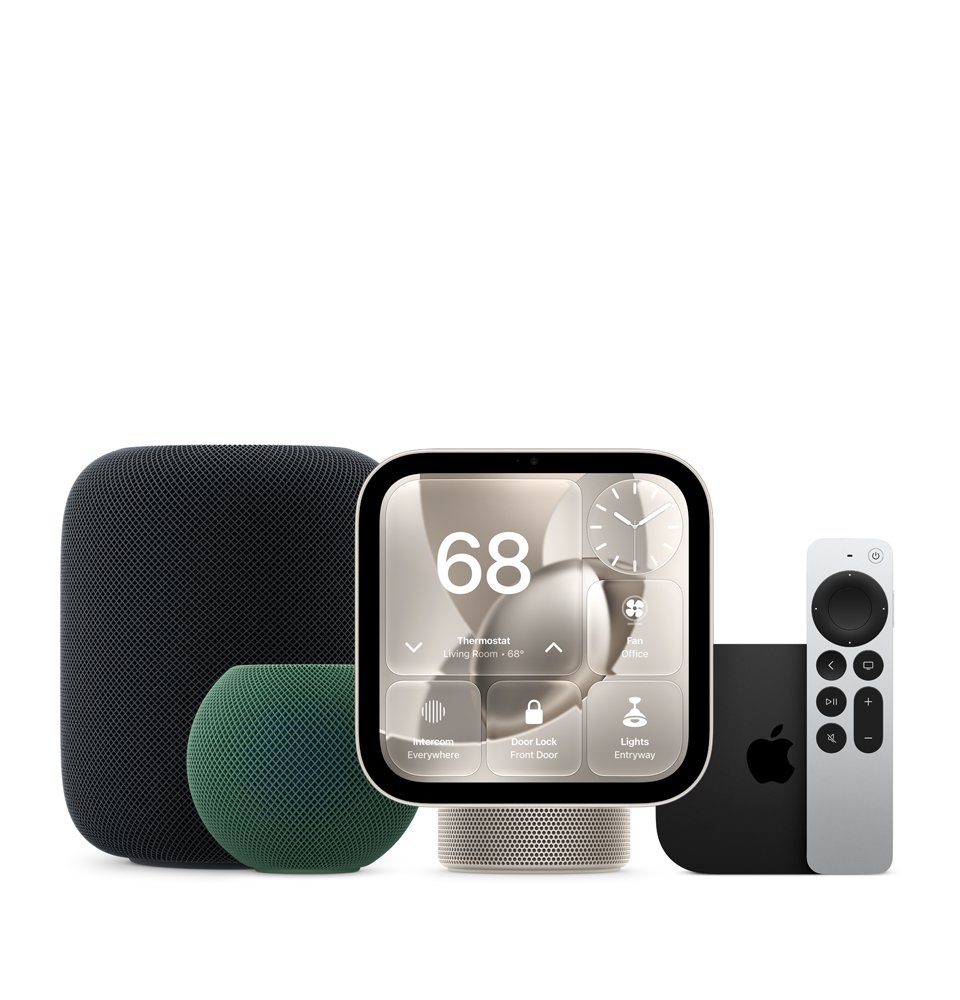
The Apple TV 4K delivers standard-setting processing power, whisper-quiet operation, and industry-leading frame-rate matching. Learning how to install iptv on apple tv opens up a world of over 18,000 live television channels and 80,000+ movies in 4K resolution directly from your tvOS interface.
Unlike Android boxes that rely on third-party APK sideloading, tvOS operates inside a secure, high-performance ecosystem. Installing IPTV on your Apple TV is completely clean, straightforward, and requires no jailbreaking. In this step-by-step guide, we walk you through the entire process in under 5 minutes.
Prerequisites Before You Begin
Before configuring your Apple TV, make sure you have the following ready:
- An Apple TV 4K or Apple TV HD running tvOS 15.0 or newer.
- An active internet connection with at least 25 Mbps download speed.
- Your Apple ID logged in to access the App Store.
- Your IPTV Apple subscription or 1-hour free trial login credentials (Server URL, Username, Password).
Step 1: Download an IPTV Player from the Apple TV App Store
Turn on your Apple TV and navigate to the blue App Store icon using your Siri Remote. Use the Search tab or voice search to search for one of our top recommended tvOS IPTV players:
1. IPTVX
Recommended for UI
Netflix-style interface with poster art and seamless Siri Remote gesture navigation.
2. UHF
Recommended for Sports
Ultra-fast multi-view engine for watching multiple live matches concurrently.
3. Smarters Pro
Classic Layout
Simple, familiar Xtream API login screen for instant playlist loading.
Click Get or Download to install your chosen player on your Apple TV home screen.
Step 2: Obtain Your IPTV Apple Login Credentials
To connect your player to our ultra-fast server network, you will need your official credentials. If you haven't received them yet, send a quick message to our automated WhatsApp support line:
Instant Credentials via WhatsApp
Get your Server URL, Username, and Password sent directly to your phone within 2 minutes.
Step 3: Enter Xtream Codes API Information in the App
Launch the IPTV application on your Apple TV. Select Add Playlist or Login with Xtream Codes API. (Note: Xtream API is vastly superior to M3U links because it automatically updates EPG and VOD categories without manual playlist re-downloading).
Fill in the required fields using your iPhone or Siri Remote keyboard:
- Playlist Name: Enter
IPTV Apple(or any label you prefer). - Server URL: Enter the precise portal URL provided in your WhatsApp email/message (e.g.,
http://iptvapple-portal.com:8080). - Username: Type your unique assigned username.
- Password: Type your unique assigned password.
Step 4: Load EPG and VOD Categories
Once entered, click Add User or Save Playlist. The app will sync with IPTV Apple servers and fetch channel lineups, 7-day electronic program guide (EPG) schedules, and movie poster artwork. This initial download usually takes between 5 to 15 seconds.
Step 5: Optimize tvOS Video & Audio Settings for 4K
To ensure peak picture quality with zero frame stutter, adjust these options inside your Apple TV Settings app under Video and Audio:
- Match Content: Turn ON both Match Dynamic Range and Match Frame Rate. This allows Apple TV to automatically switch between 50Hz (European football), 60Hz (US sports), and 24Hz (movies).
- Audio Format: Set to Auto / Uncompressed PCM or pass-through for Dolby Atmos receivers.
- Hardware Acceleration: Inside your IPTV app settings (IPTVX or Smarters), select Native AVPlayer Engine for optimal GPU acceleration.
Troubleshooting Common Installation Issues
Issue 1: "Authorization Failed" or "Invalid Details"
Double-check your Server URL, Username, and Password for uppercase/lowercase accuracy. Ensure there are no accidental spaces at the end of text strings when using autocorrect.
Issue 2: Buffering or Channel Freezing
Ensure your Apple TV is connected via Ethernet cable or a strong 5GHz Wi-Fi band. If your ISP throttles streaming traffic during peak evening hours, installing a VPN router or tvOS VPN app (such as ExpressVPN or NordVPN on tvOS 17+) resolves bandwidth throttling immediately.
Check out our detailed Apple TV 4K IPTV Player Benchmarks or explore our complete Smart TV Setup Guide for additional device configurations.
Ready to Stream IPTV on Your Apple TV?
Try IPTV Apple free for 1 hour. Instant automated setup, 18,000+ live channels, 80,000+ VODs, and 24/7 dedicated support.